
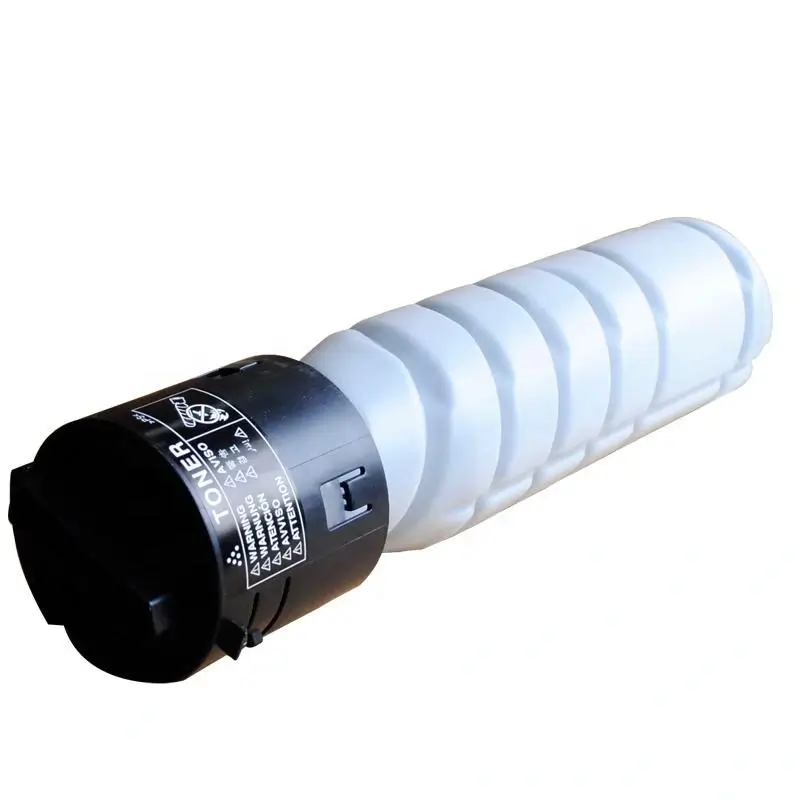
Konica Minolta 225i toner cartridge
How to adjust fuser unit temperature on Konica Minolta 225i?
Konica Minolta 225i always prints with black dots, which are easily removed by hand. The toner seller tells you to change the toner, and the parts seller tells you to replace the fuser, but they never tell you to increase the fuser unit temperature. Actually, increasing the fuser unit temperature would solve the problem.
How to adjust the fuser temperature on a Konica Minolta 225i black and white copier?
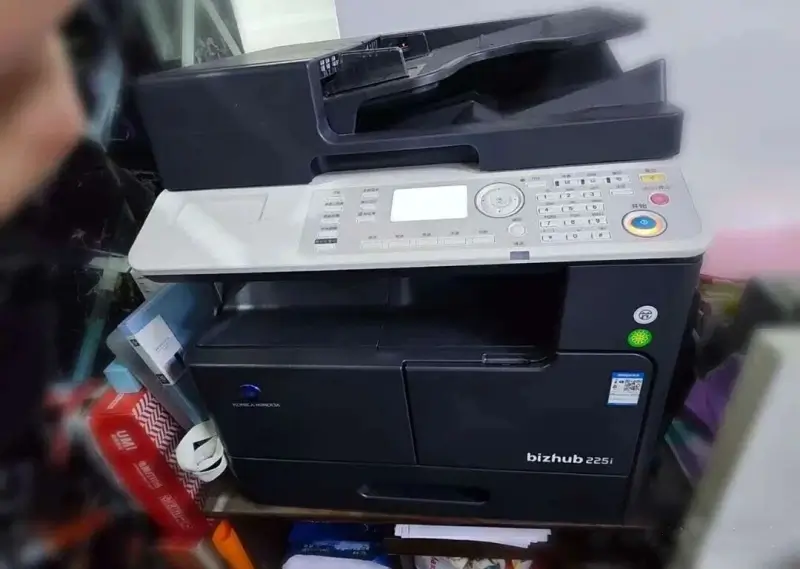
1. Enter maintenance mode: Press System Menu – Stop – 00 – Stop – 01, PASSWORD: 92729272.
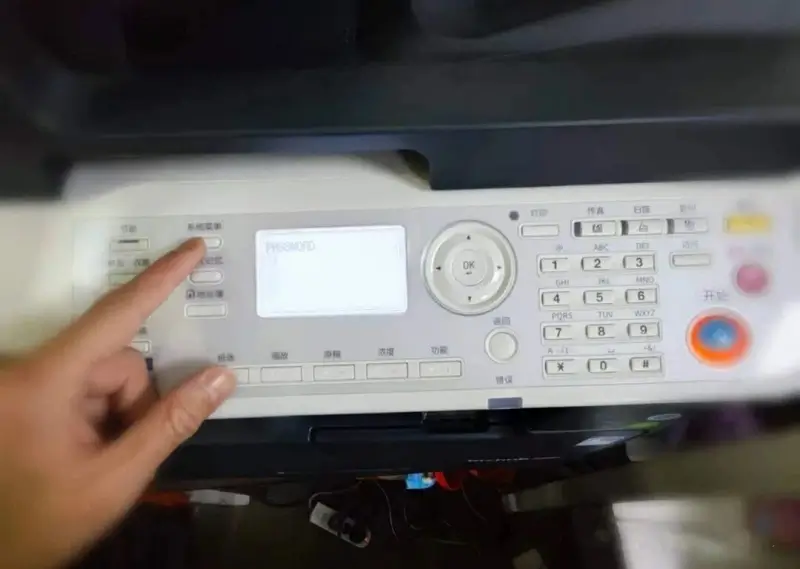
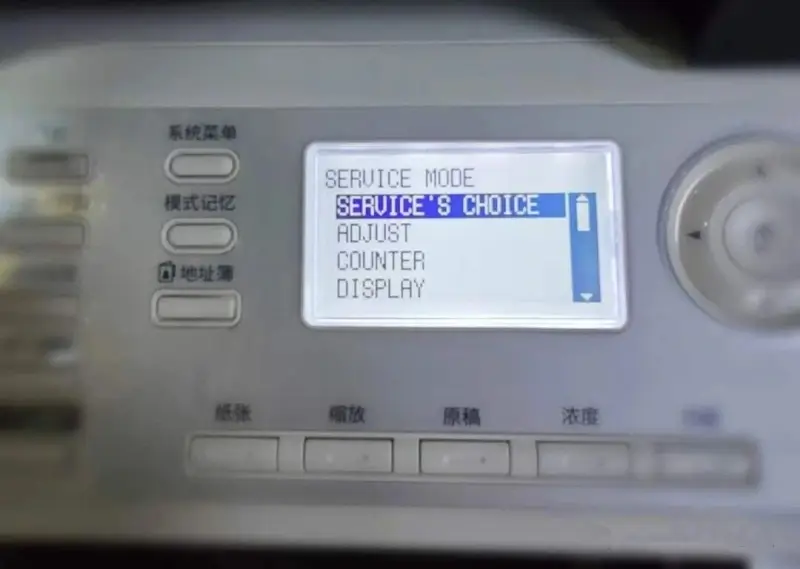
2. You will see SERVICE MODE. Select the SERVICE’S CHOICE.
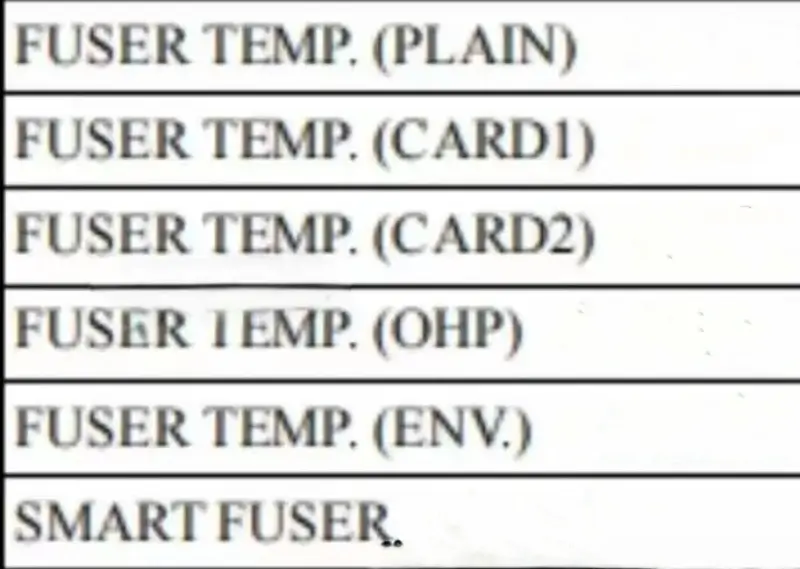
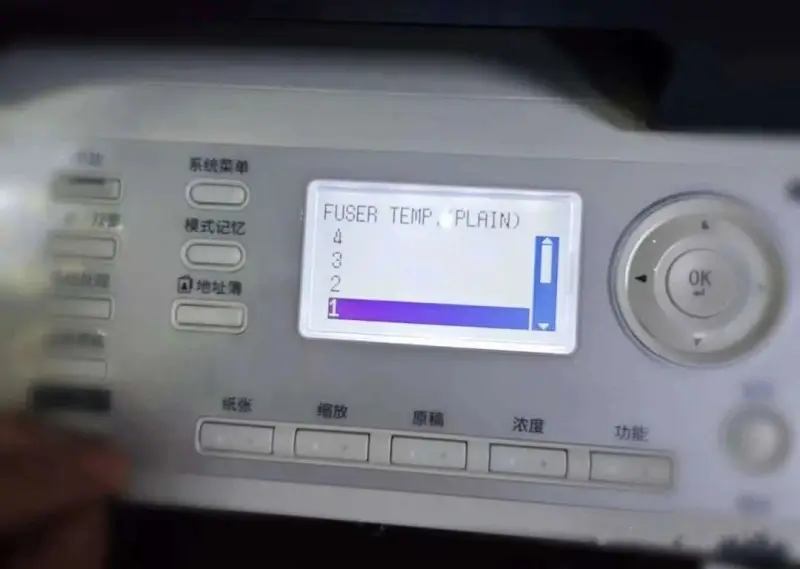
3. Find FUSER TEMP. (PLAIN).
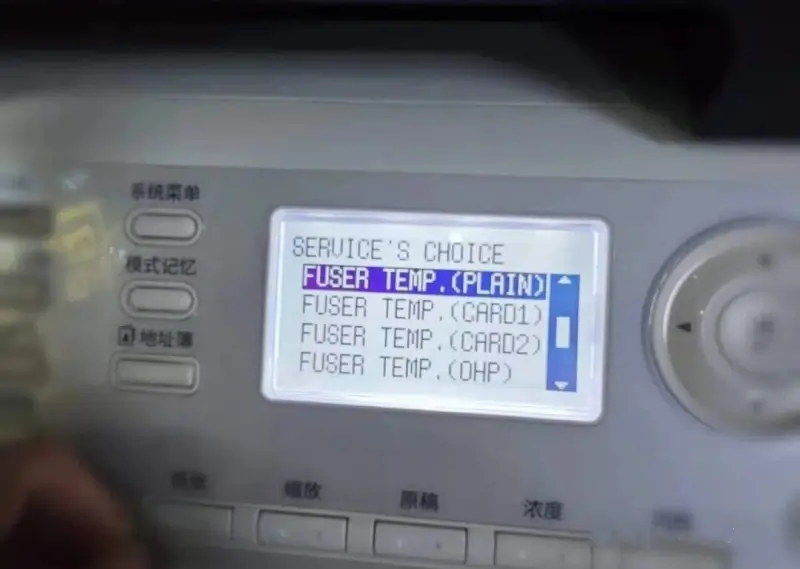
Explanation: As shown in the picture below.
4. The initial value is 0, -1 means a 10-degree temperature decrease.
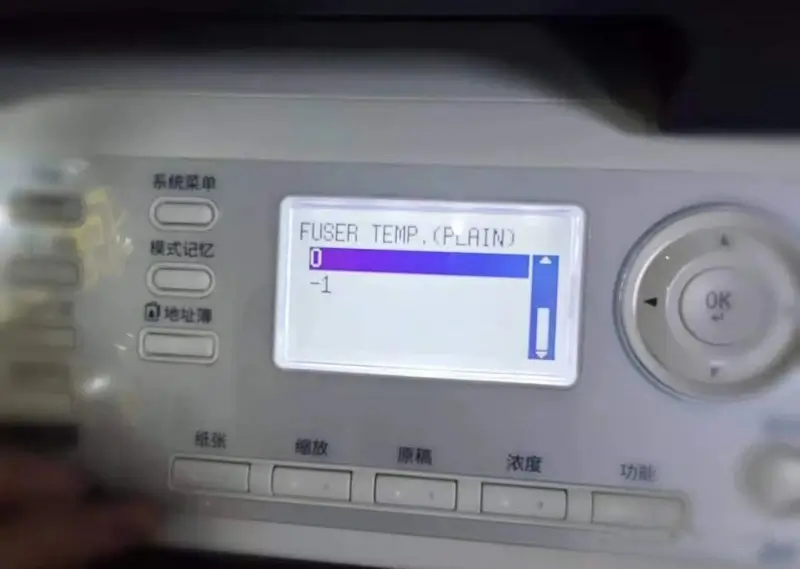
I temporarily set it to 1, increasing the temperature by 5 degrees. And so on.
Conclusion:
This does indeed have to do with the toner powder and fuser, so using a better toner powder can definitely save a lot of trouble.

Leave A Comment