
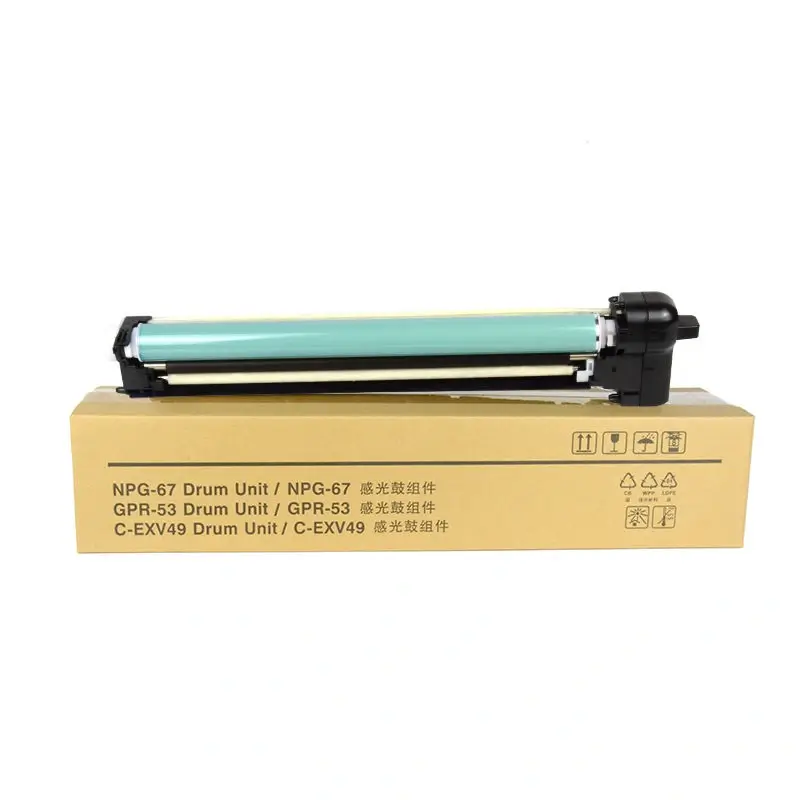
Canon C-EXV49 Drum Unit
How to solve the Insert Drum Cartridge error message on a Canon copier?
Here are solutions for the “Insert Drum Unit” error message on a Canon copier.
Canon copier displays the “Insert Drum assembly” error message.
Note: On the color copier screen, “Inserted Drum assembly[1]” is displayed, where 1 represents yellow, 2 represents red, 3 represents blue, and 4 represents black.
Reasons for the “Insert Drum Unit” error message:
1. The drum unit is not installed correctly.
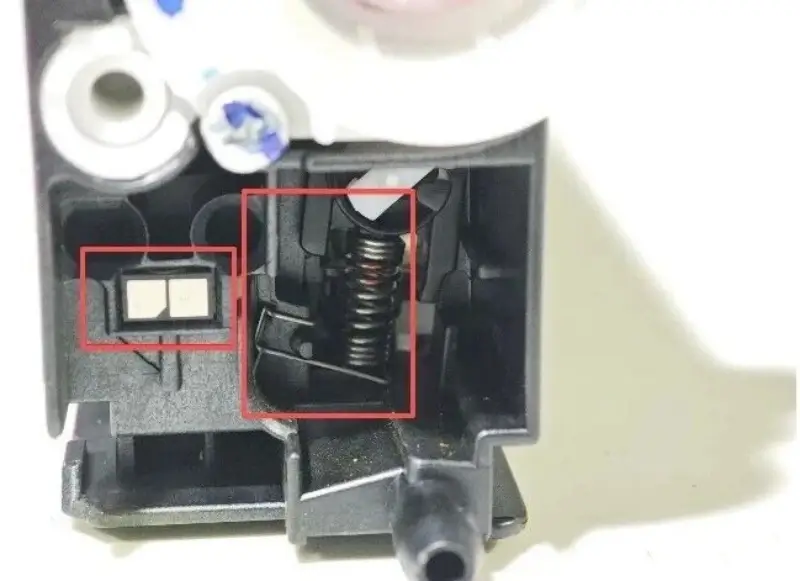
2. The drum unit chip is not installed or there is a problem with the chip.
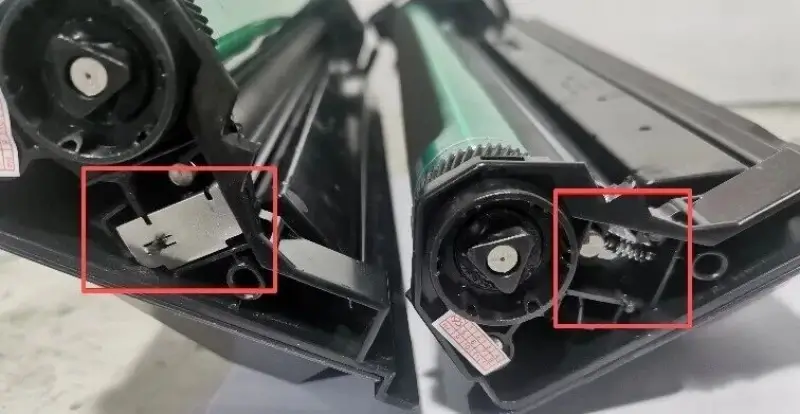
3. The charging roller’s conductive end spring or conductive sheet has fallen off or deformed.
4. The drum unit chip or contacts are leaking toner or are dirty.
Solutions:
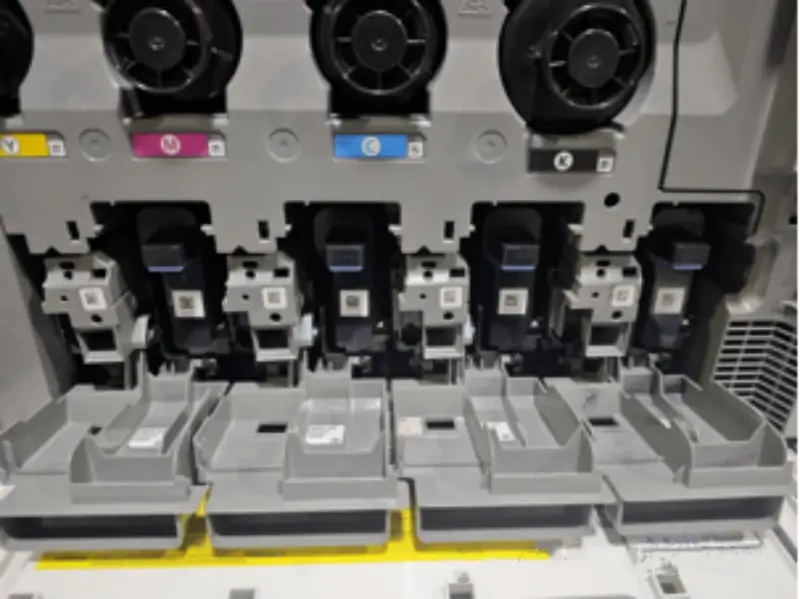
1. Reinstall the drum unit, repeating the process several times, as shown in the image below:
2. Inspect and replace the drum unit chip or replace the drum unit itself, as shown in the image below:
3. Reinstall the charging roller and the springs at the conductive ends, as shown in the image below:
4. Clean the drum unit chip or its contacts; clean the developing unit contacts, including the outer end caps. The image below shows the location of the copper contacts on the developing unit:
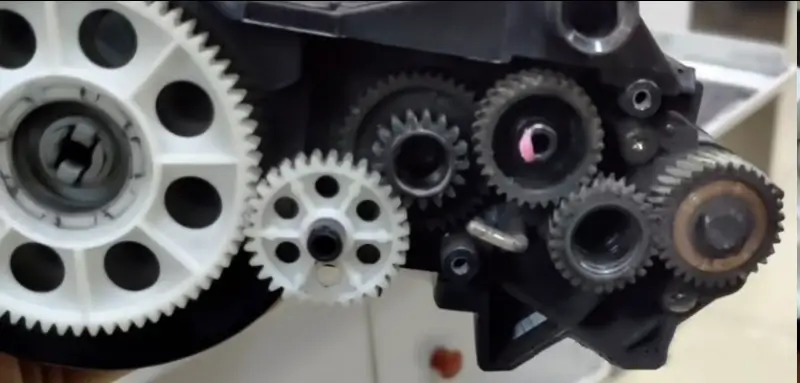
5. Severe toner leakage is observed in the drum unit and developing unit areas; these areas need to be thoroughly cleaned.
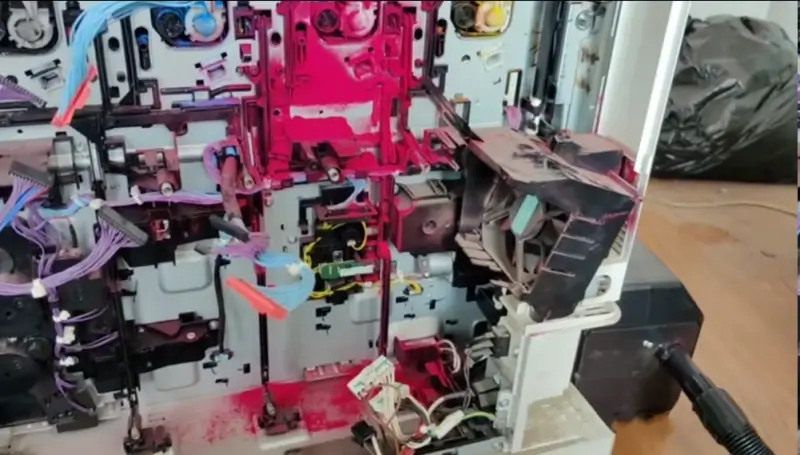
6. Check if the corresponding contact springs on the drum unit and developing unit are deformed or detached; repair or replace them.

Leave A Comment