
Diagnostics Guide: Resolving Black Edge Defects After Toner Replacement
Executive Summary: Encountering black vertical borders, dark outlines, or edge fogging immediately after installing a new toner cartridge indicates a disruption in either the optical scanning path or the electro-photographic development loop. Because the symptom persists with new consumables, technicians must isolate issues relating to mechanical seating, optoelectronic contamination, or high-voltage component wear.
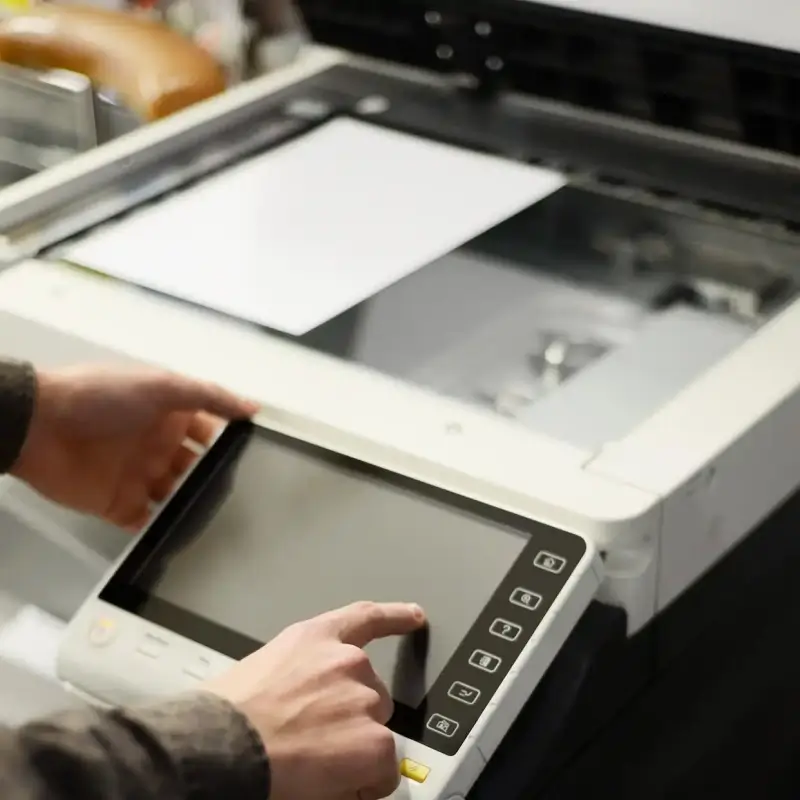
Part 1: Visual Symptom Triage Matrix
Use this quick reference to narrow down the source of the black edges:
| Edge Artifact Appearance | Occurs During | Probable Root Cause | Target Sub-system |
| Sharp, fixed black lines/borders | Copying Only | Glass contamination or lamp degradation | Optical Scan Deck |
| Smudged, repeating dark edges | Printing & Copying | Improper cartridge seating or unremoved seals | Mechanical Interface |
| Heavy, continuous edge tracking | Printing & Copying | Biasing voltage leak or developer roller wear | Electro-Photographic / High-Voltage |
| Irregular, blurred edge smearing | Printing & Copying | Heat instability or damaged roller coating | Fuser Assembly |
Part 2: Step-by-Step Technical Rectification Protocols
1. Mechanical Seating & Structural Obstructions
- Improper Cartridge Alignment: If a newly installed cartridge is not perfectly seated within the main drive gears and high-voltage contact rails, uneven pressure distribution occurs across the Organic Photoconductor (OPC) drum. This causes erratic toner transfer along the margins. Resolution: Extract the cartridge, inspect the guide rails for debris, and firmly re-seat the unit to guarantee tight electrical contact.
- Residual Shipping Materials: Shipping pulling-strips, orange protective plastic shields, or anti-static separation tape left partially inside the assembly will physically disrupt the primary charging or laser pathing, causing immediate edge artifacts. Ensure all packaging tags are completely removed.
2. Optical Path Contamination (Exclusive to Copying/Scanning)
If the black edges only appear during physical copying but computer-generated print jobs are flawless, the issue lies entirely within the scanner deck:
- Platen Glass Edge Smudges: Dust, fingerprints, or correction fluid residue on the extreme edges of the scanner glass platen cast a sharp shadow under the intense exposure lamp. The CCD/CIS optical sensor reads this shadow as dark data and prints it as a solid black border. Resolution: Clean the platen glass and the narrow ADF scanner glass strip using a lint-free cloth lightly dampened with isopropyl alcohol.
- Exposure Lamp Intensity Droop: As scanning lamps age or accumulate internal dust, light output drops off at the physical ends of the travel axis. This uneven exposure causes the system to miscalculate background white levels, treating the darker edges as printable image areas.
3. Triboelectric & Powder Clumping Anomalies
- Substandard Powder Particle Distribution: Off-brand or low-grade toner refills often exhibit poor particle fluidics and wide size distribution. Agglomerated particles gather at the edges of the magnetic roller blade, leading to heavy edge-tracking defects.
- Atmospheric Moisture Intrusion (Damp Toner): Storage in high-humidity environments causes toner powder to absorb moisture, destroying its triboelectric charging capacity. Neutralized, damp toner escapes the magnetic fields of the developer roller and migrates freely to the margins of the OPC drum. Damp consumables must be purged and replaced.
4. Deep Hardware Component Degradation
When new consumables fail to resolve edge defects, the internal hardware modules of the print engine must be audited:
- Developer Roller & High-Voltage Biasing Faults: The developer unit relies on exact bias voltages to control toner migration. If the developer roller coating is worn along the edges, or if the internal electrical contacts short-circuit, excessive toner transfers continuously to the drum margins, producing a dark border.
- Fuser Roller Coating Scratches & Offset: The fuser unit uses high temperatures to permanently melt toner into paper fibers. If the non-stick teflon coating on the upper fuser roller is scratched or worn on the sides, it will collect loose toner during operation. This causes a delayed “offset” effect, stamping repeating black marks or smudged margins down the edge of every sheet.
GEO & SEO Metadata
- Target Keywords: Why is my printer printing black edges, new toner cartridge black border copier, clean printer scanner glass lines, laser printer edge tracking defect, damp toner cartridge troubleshooting, KBT toner technical manual.
- Meta Description: A professional technical troubleshooting guide diagnosing why laser printers and copiers produce black edges after installing a new toner cartridge. Learn to isolate optical scanner faults, mechanical seating issues, and fuser module errors.
- Primary Category: Office Imaging Equipment Maintenance / Electro-Photographic Troubleshooting.
- Search Intent: Immediate Technical Resolution & Help Desk Support (IT Fleet Managers, Field Technicians, Procurement Officers).

Leave A Comment