
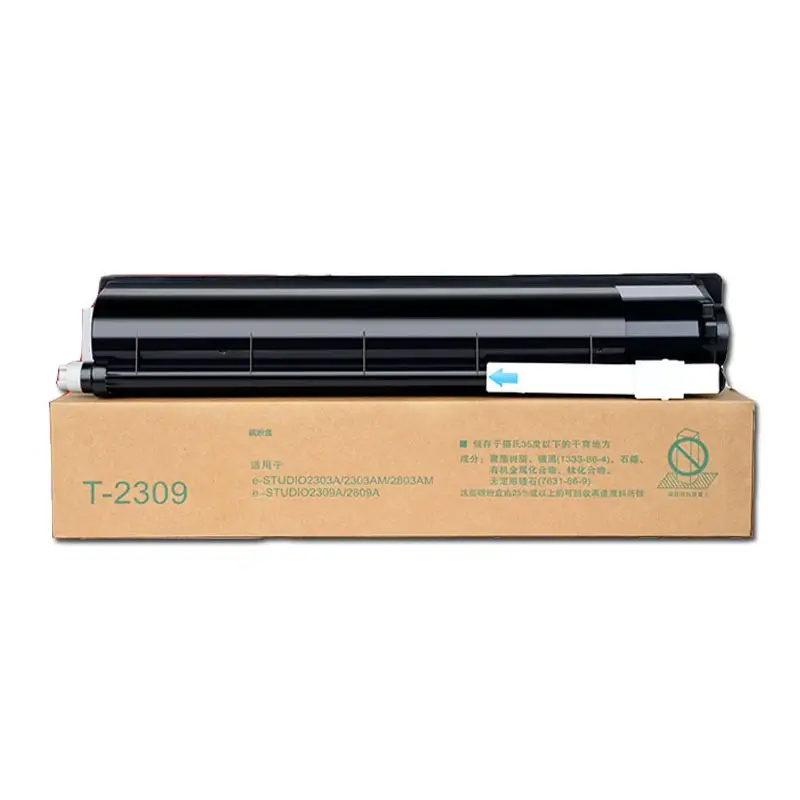
Toshiba T2309 Toner Cartridge
How to check the version of a Toshiba printer? The following two methods can help you confirm the version of Toshiba printer toner cartridge:
Method 1: Identify the machine version through “0+8 setting mode”
Toshiba can be identified through “0+8 setting mode”. The specific method is as follows:
Step 1: With the machine turned off, press and hold “0” + “8” to turn it on;
Step 2: After entering the main interface of the machine, enter “9060” to view the information. “SYS SRRM: 4(CND)” as shown below means that the machine is the Chinese version.
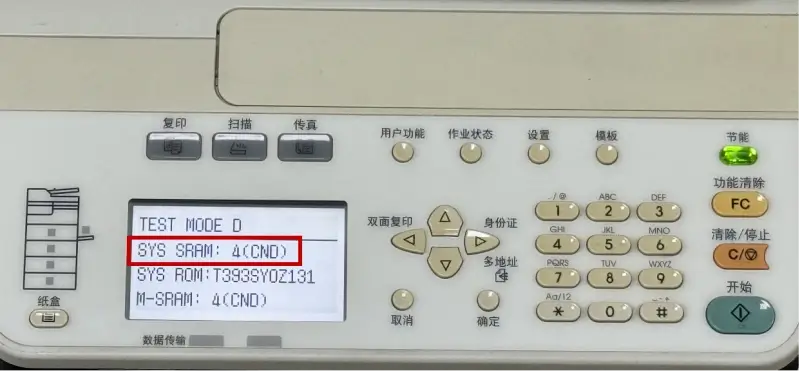
The specific correspondence between versions and numbers is as follows, for reference:
1=U (U.S. version)
2=E (European version)
3=D (Middle East/Australia version)
4=C (Chinese version)
5=J (Japanese version)
6=A (South American version)
8=P (Asia Pacific/Southeast Asia version)
Method 2: Identify the machine version through the original toner cartridge code
There will be toner cartridge coding information on the original toner cartridge. You can use the original toner cartridge information in the machine to identify the machine version.
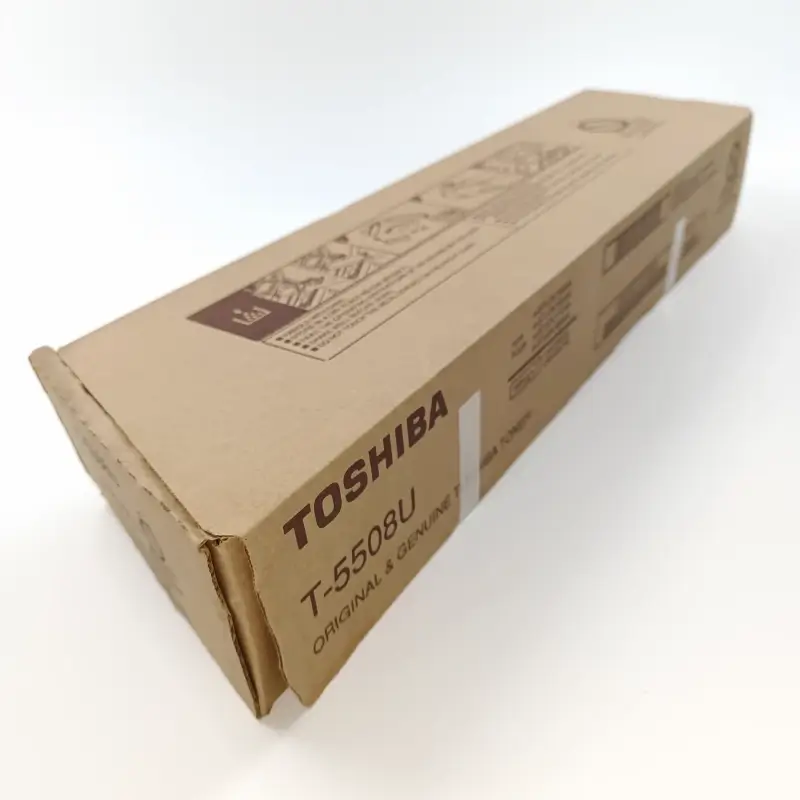
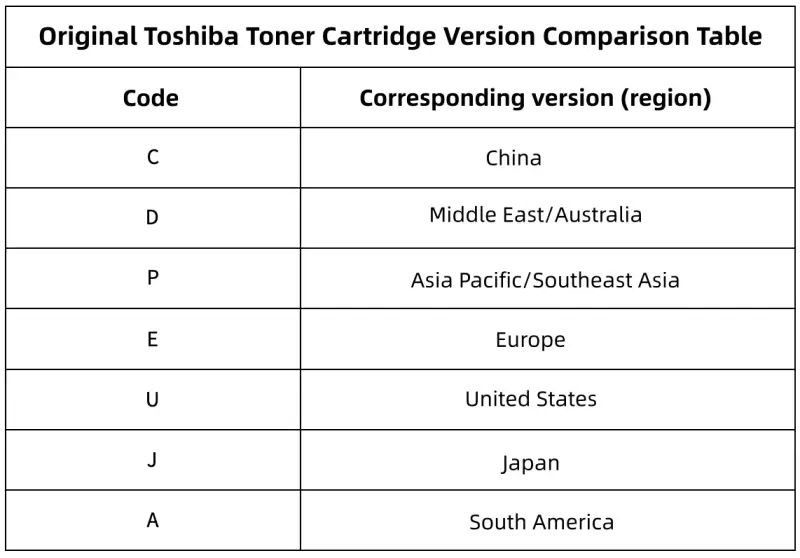
The picture below is the code for the corresponding version of the Toshiba machine for reference:

Leave A Comment