
How to replace the imaging drum on Konica Minolta models C226, C364, C454, C554, C368, C558, C658, etc.?
Procedure for replacing the OPC drum on Konica Minolta models C226, C364, C454, C554, C368, C558, C658, etc.
1. Remove the waste toner container:
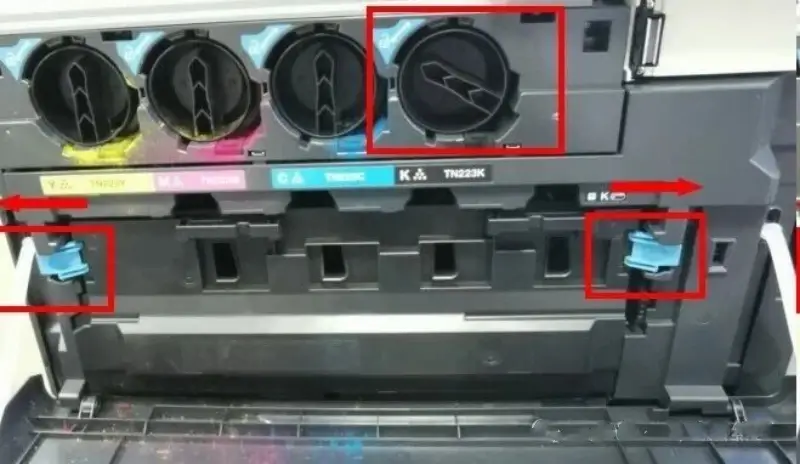
Turn off the power and open the front door. Rotate the black toner cartridge counter-clockwise to its initial position (ensuring the toner outlet is closed). Remove the waste toner container by pressing in the direction of the arrow shown in the diagram below:
2. Remove the drum unit:
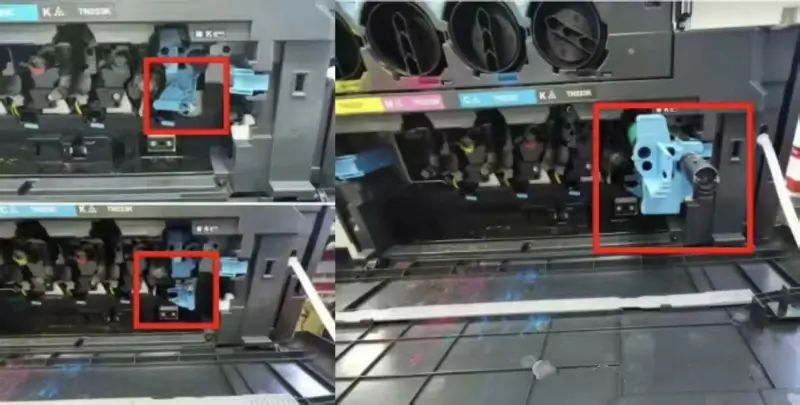
Press down on the locking pin located within the red box (see the first image on the left below); rotate it counter-clockwise (refer to the position of the lower locking pin shown in the second image on the left). Remove the drum unit indicated by the red box in the image on the right:
3. Drum unit disassembly:
a. Remove the three screws shown in the diagram and unscrew the OPC drum end cap (clockwise). These two steps can be performed in either order:
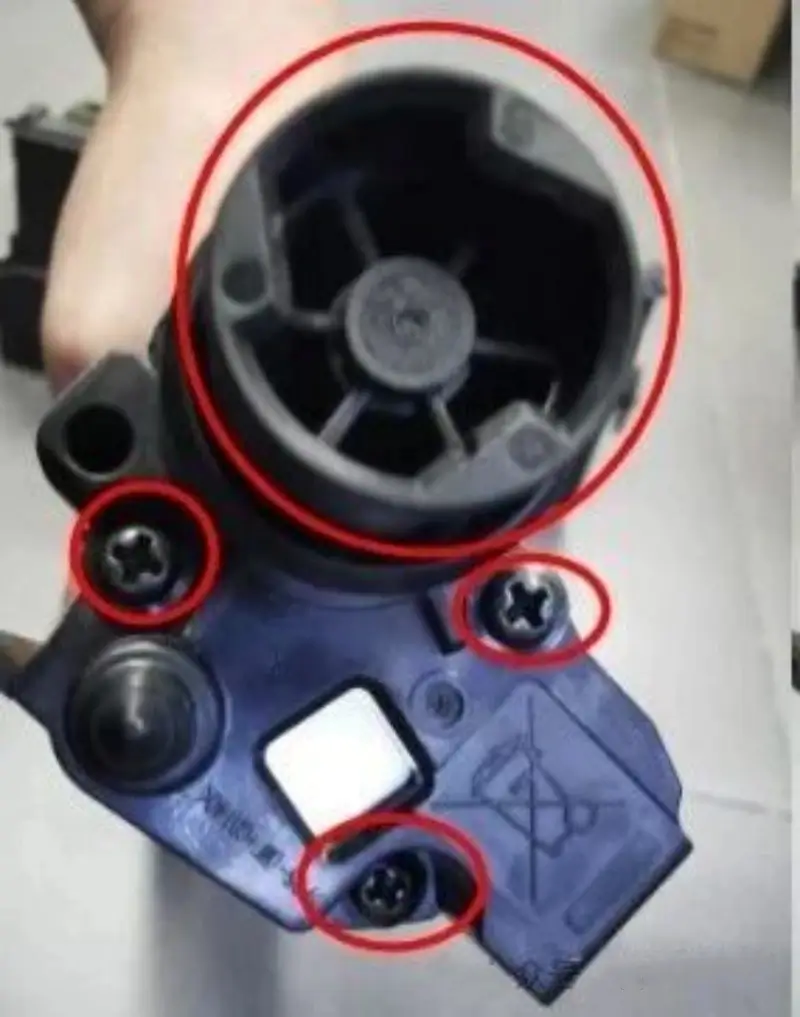
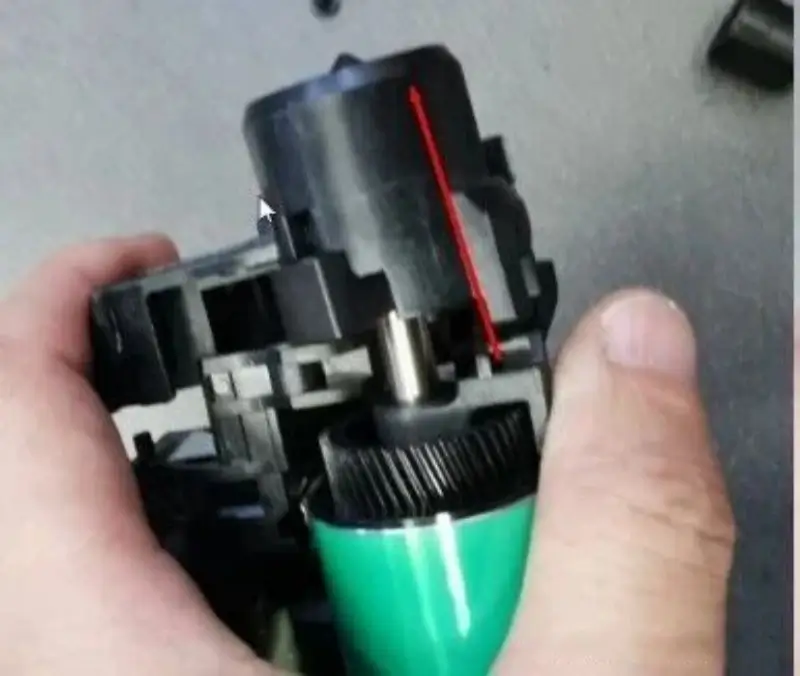
b. Pull out the end cap in the direction of the arrow (outward) as shown in the diagram:
4. Remove the OPC drum:
a. Remove the positioning pins from both ends of the OPC drum (following the arrow directions in the diagram). Note the orientation of the pins for reinstallation.
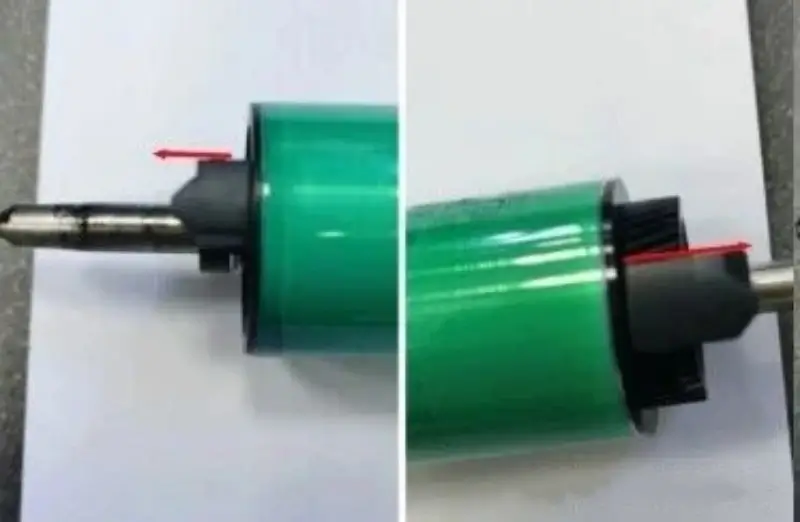
b. Use a screwdriver to pry out the retaining clip in the direction of the arrow shown below; be careful not to let the U-shaped clip fly off.
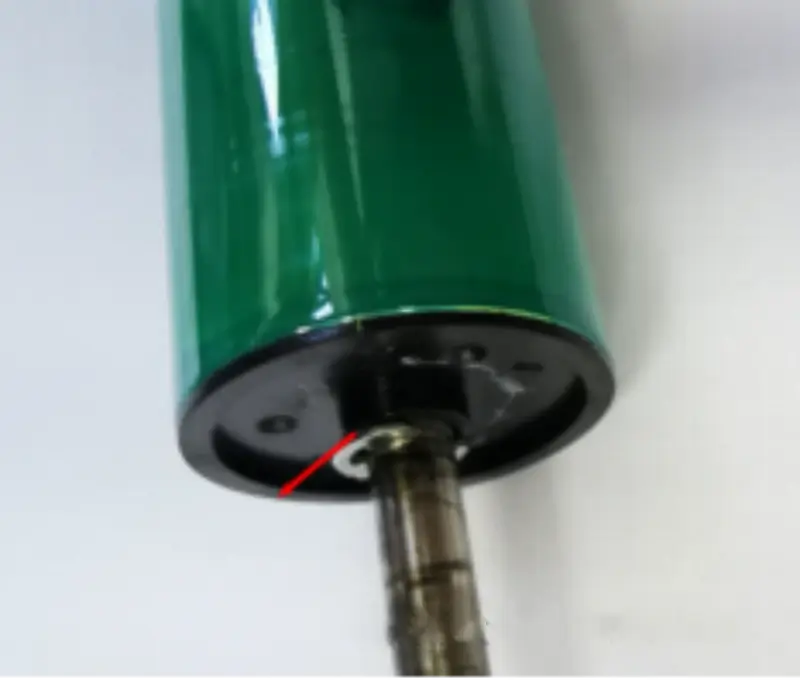
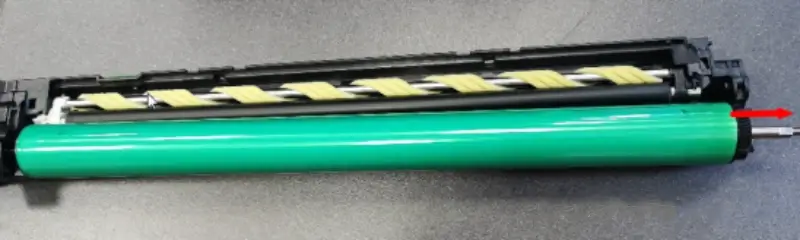
c. Remove the metal OPC drum shaft in the direction of the arrow shown below; insert it in the same direction during reinstallation.

Leave A Comment