
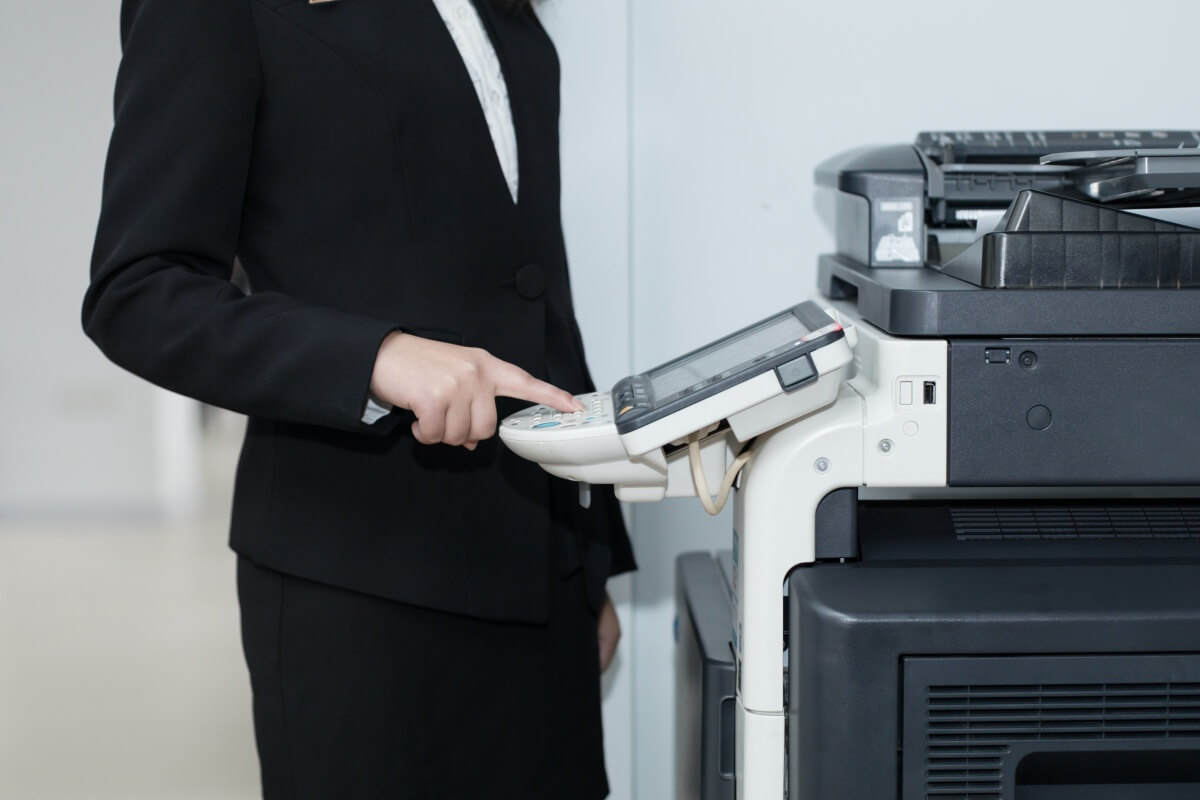
The Professional Copier Optimization Guide: Maximizing Efficiency and Output Quality
Executive Summary: Maintaining peak efficiency in high-volume copier operations requires a proactive approach to mechanical preventative maintenance, precise fuser diagnostics, and strategic optical adjustments. Implementing structured adjustments for complex media workflows directly reduces costly down-time, eliminates ghosting/shadow artifacts, and minimizes total cost-per-page (CPP).
1. Proactive Paper Jam Prevention & Mechanical Calibration
Paper misfeeds and jams interrupt corporate office workflows. Most mechanical errors are entirely preventable through simple structural adjustments.
- Pick-Up Roller Hydrodynamics: The paper pick-up roller accumulates paper dust over time, losing the high friction required to grab single sheets. Regularly clean the roller surface with a lint-free cotton swab lightly moistened with water or specialized roller cleaner. This simple maintenance step restores grip and prevents 80% of tray misfeeds.
- The Proximity Path Principle: When configuring your copier, assign your highest-volume print jobs to the paper tray located closest to the OPC drum assembly. Shorter physical paper travel paths dramatically reduce the mathematical probability of a mechanical misfeed.
2. Fuser Unit Paper Jams: Root Cause Diagnostics
Jams occurring specifically inside the high-temperature fuser unit point to acute thermodynamic or mechanical failures rather than simple tray alignment issues.
Critical Fuser Fault Factors:
- Silicone Oil Over-Saturation: Excessive fuser oil reduces friction, causing the paper sheet to wrap tightly around the upper fixing roller instead of exiting cleanly.
- Toner Powder Residue Build-up: Residual toner melts onto the internal guide plate, creating an abrasive surface that blocks smooth paper transit.
- Separation Claw Failure: A scratched or degraded upper fuser roller causes molten toner powder to stick to its surface. This prevents the mechanical separation claws from maintaining clean contact with the roller, forcing the paper to jam.
- Bearing Wear & Gear Backlash: Heavily worn upper or lower roller bearings increase mechanical drag. The drive gears and fixing motors must be cleaned, lubricated, or replaced to balance fixing pressure.
- Media Humidity Issues: Low-quality or damp copy paper loses structural integrity when exposed to fuser temperatures exceeding 180°C, leading to immediate structural collapse and fuser jams.
3. Optical Exposure & Contrast Calibration
Copying non-standard originals (faint handwriting, dark photos, or mixed text) requires quick exposure adjustments to ensure legible output and reduce toner waste.
- Faint / Light-Colored Handwriting: To make pale text legible, decrease the optical exposure and increase the developer concentration. If utilizing an analog adjustment system, narrow the exposure slit plate width to compress light delivery.
- High-Density Photos & Dark Artwork: To preserve image gradients and prevent a solid black block effect, increase the exposure and decrease the developer concentration. Widen the exposure slit plate width to flood the system with light, ensuring smooth halftone reproduction.
4. Advanced Document Handling & Shadow Elimination
Copying double-sided sheets, thick books, or stained originals requires smart physical masking techniques to ensure a flawless final presentation.
- Double-Sided Bleed-Through Prevention: When copying a double-sided original, the text on the reverse side often bleeds through under intense exposure lamps. Bypass Tip: Place a sheet of dark paper or black cardstock directly over the back of the original document. This completely absorbs back-scattered light and eliminates reverse-side ghosting.
- The White-Strip Masking Technique: Stains, smudges, or unwanted registration marks on an original document will replicate on copies. To quickly eliminate them, place a clean white paper strip (cut slightly larger than the stain) directly over the blemish. Ensure the strip sits perfectly flat against the glass to avoid shadow lines.
- Book Spine Shadow Elimination: Copying thick documents or bound books creates prominent black shadows along the gutter spine and margins. Bypass Tip: Place a blank sheet of clean white paper over any exposed glass areas outside the target boundary. This forces the optical sensors to read the background as pure white, completely wiping out the gutter shadows.
5. Advanced Panel Command Functions (Interrupt & Cancel)
- The Priority Interrupt Protocol: When a high-volume copy job is running and an urgent document needs immediate processing, hit the “Pause” / “Interrupt” button. The copier pauses the active queue, resets the page count to “1”, and allows you to execute the urgent task. Pressing “Pause” a second time instantly resumes the original multi-page run exactly where it left off.
- The Instant Task Purge: To instantly kill an erroneous or misconfigured print run before it wastes paper and toner, press the physical “Stop” button on the main control interface to flush the current memory buffer.
Copier Quick-Fix Diagnostic Matrix
| Operational Symptom | Primary Technical Failure | Immediate Corrective Action |
|---|---|---|
| Frequent Tray 1 Misfeeds | Dirty or slick feed roller surface | Clean pick-up roller with lint-free cotton |
| Paper Wraps Around Fuser Roller | Excess silicone oil / Defective claw | Clean fuser roller & verify claw contact |
| Faint Text Is Unreadable | Excessive exposure light saturation | Decrease exposure / Narrow slit plate width |
| Reverse Text Bleeds Through | Light scattering through thin media | Mask the back of the original with dark paper |
| Thick Black Edge Shadows | Uncovered scanner glass exposure | Pad margins with clean white paper sheets |

Leave A Comment